Writing to a file in App Engine
Writing to Google Storage Bucket Files directly from Google App Engine

Assuming your Google Cloud project name is projectABC, and you have created an App Engine project, goto IAM, https://console.cloud.google.com/iam-admin/iam?project=projectABC
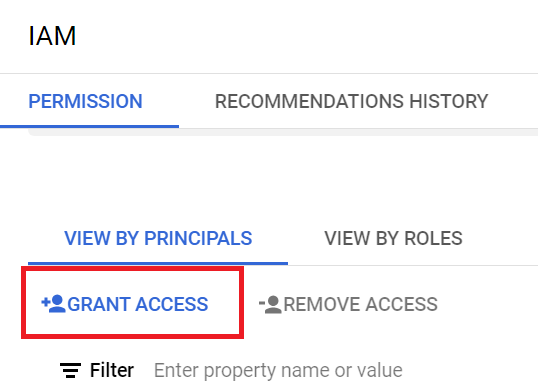
Click on Grant Access
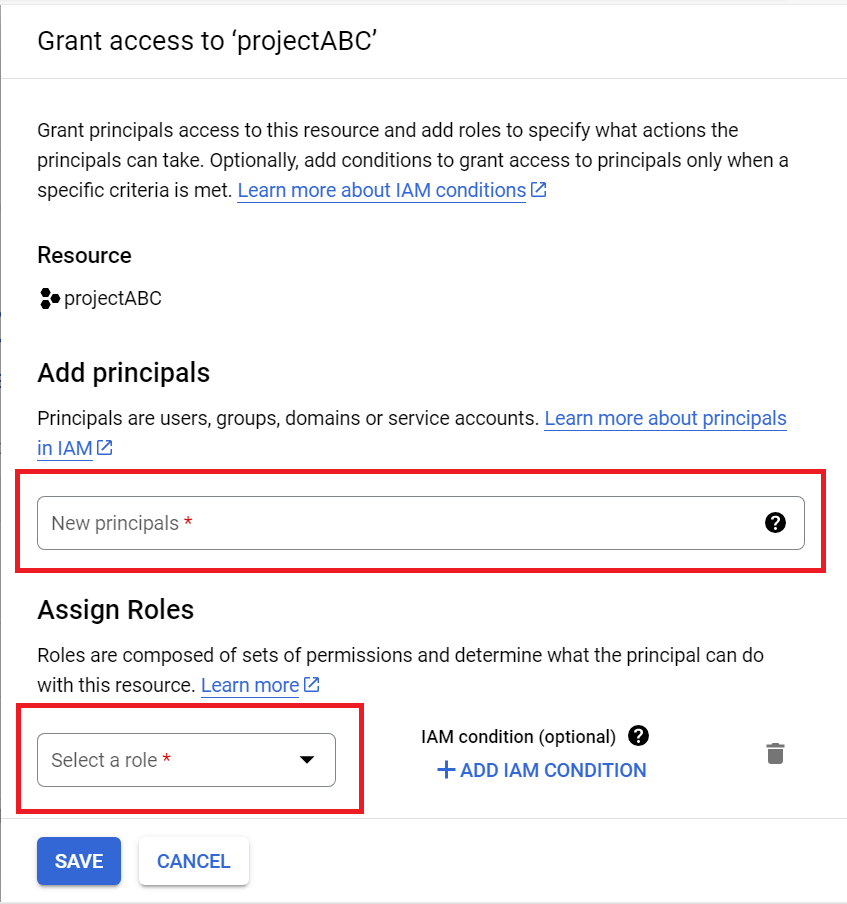
Under "Add Principals" add projectABC@appspot.gserviceaccount.com and assign a role of Environment and Storage Object Administrator.
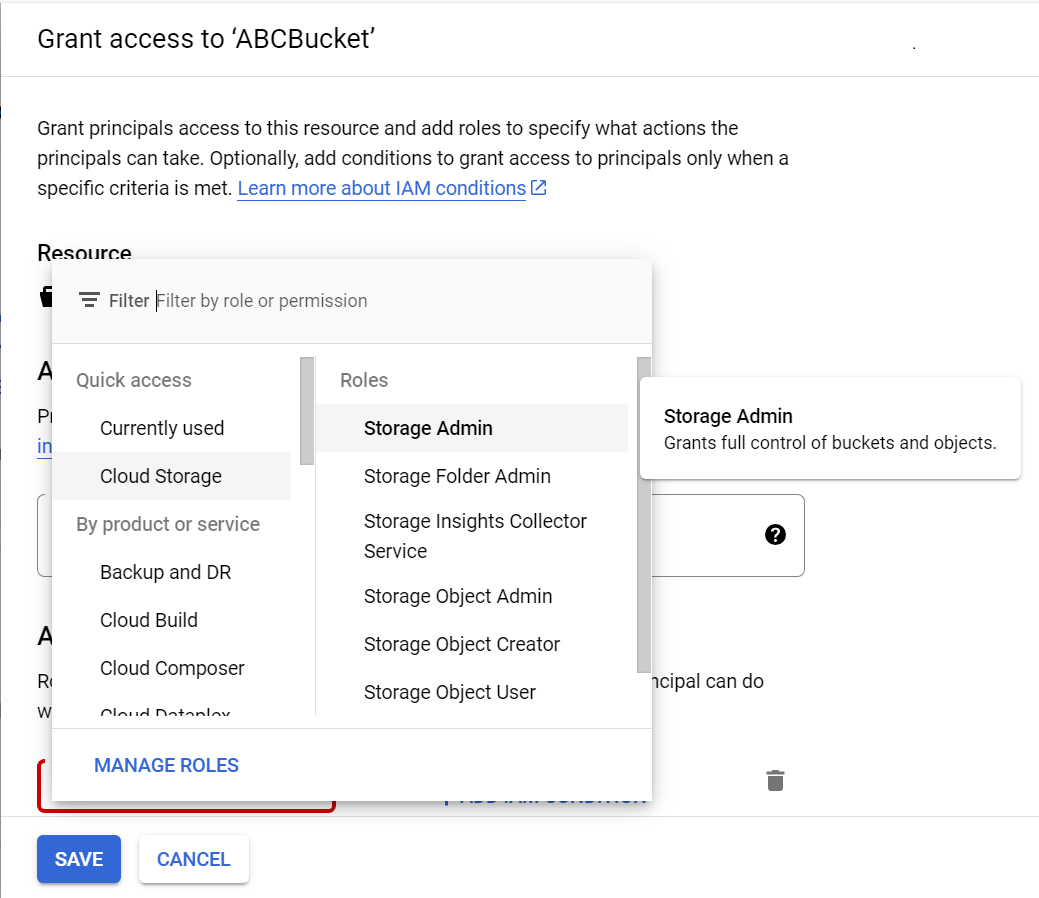
Now goto https://console.cloud.google.com/storage/browser?project=projectABC Create a bucket, say, ABCBucket, and click Grant Access and Under "Add Principals" add projectABC@appspot.gserviceaccount.com and assign a role of Storage Admin.
Now you would be able to write to files in Google Storage bucket files directly automatically. Since its' Google App Engine that's writing to Google Storage, there's no need to setup any credentials in the python code.
from google.cloud import storage

def write_to_cloud(your_string):
    client = storage.Client()
    bucket = client.get_bucket('ABCBucket')
    blob = bucket.blob('when-log.txt')
    blob.upload_from_string(your_string)

write_to_cloud("When : " + str(datetime.datetime.now()) + "\n")
That's all there is to it !

